
Ask A Technology Expert

Need assistance with your computer, phone, email inbox, smart thermostat, or telehealth appointments? Reach out to a Geek! We also offer tech support and training for older adults or anyone struggling with technology. Let us help you feel more confident using your phones, computers, tablets, and more.

Two colleagues discuss work while looking at a tablet in a modern office. In the background, two other people are working at a table with laptops.
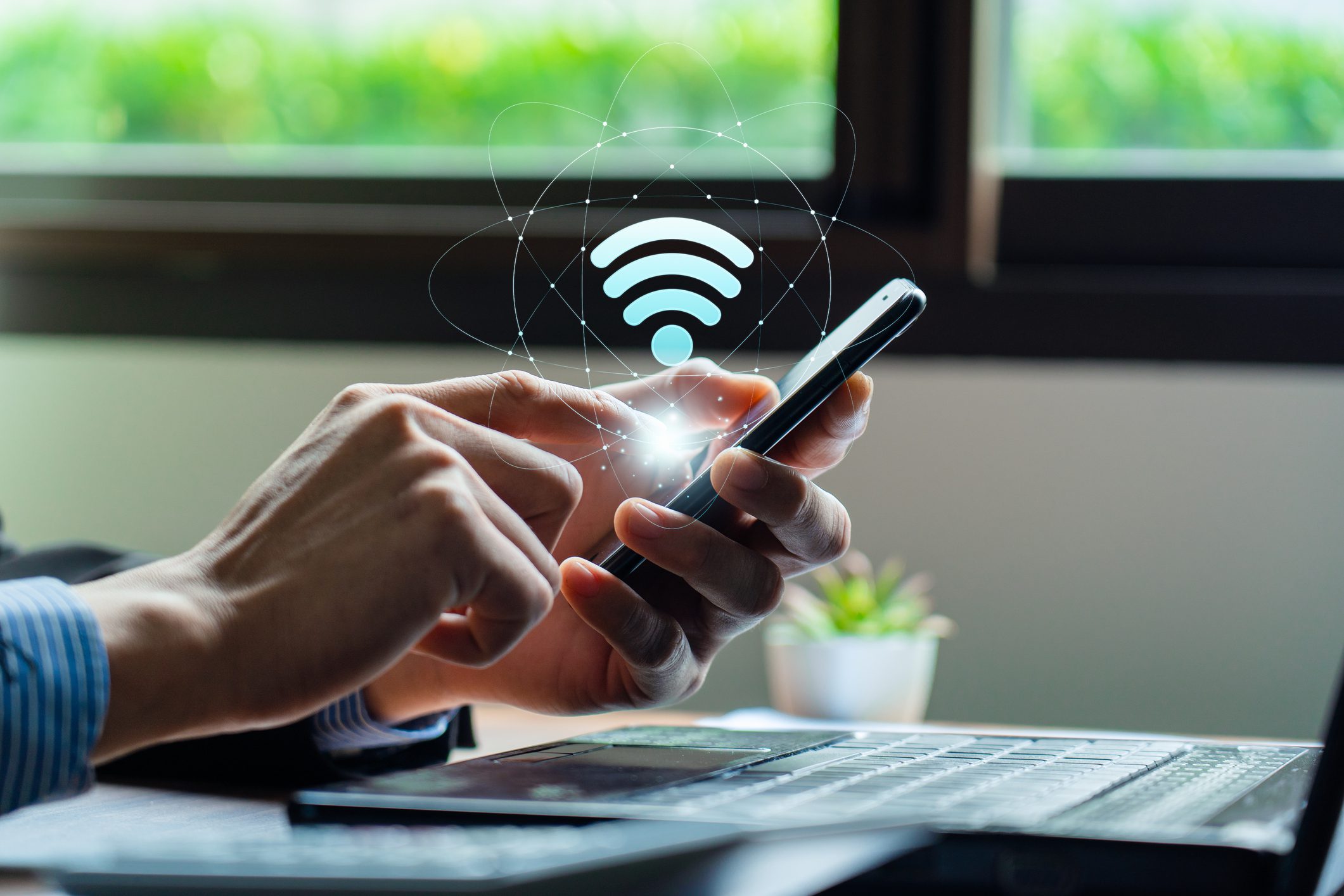
Person using a smartphone with a holographic Wi-Fi symbol above it, near a laptop and a small plant, in front of a window.

Wi-Fi Systems

Install reliable and high-speed wireless connectivity throughout your home or small business with our Wi-Fi system installations. Cabling to other rooms is not included.

Network Setup or Troubleshooting

  • We will set up and secure one router and configure up to two devices to automatically connect to your wireless network.
  • Our service also includes testing the final settings to ensure everything is functioning correctly.
  • Except for the router setup, most of the service will be performed remotely via the Internet.
Two people work together on a computer in an office setting. One points at the screen, both wearing glasses.
Two men in an office, one sitting and looking at a laptop, the other standing and pointing at the screen while holding a clipboard.

Operating System Tune-Up and Upgrade

  • We will uninstall unwanted programs and shortcuts and adjust start-up items and services to optimize performance for your needs.
  • Critical updates for your operating system will be installed.
  • Your preferred web browser will be set as the default, along with your chosen home page and search engine.
  • Outdated browser plug-ins will be removed, and new ones will be installed upon request.
  • We will activate and register security software for your computer (security software sold separately).
  • Additional tune-up tasks will be performed as needed.
  • This service is provided remotely over the Internet and does not cover operating system issues or virus removal.

New Computer Setup Without Data Transfer
  • We will set up one computer, including the monitor, keyboard, mouse, and speakers
  • The initial setup will be completed upon the first startup of the computer.
  • One printer installation and one software installation will be performed.
  • Your existing internet connection and a single email account will be configured.
Hands typing on a laptop keyboard, with an overlay of digital lock icons on the screen, symbolizing cybersecurity.

Basic Data Backup and/or Transfer

Two documents with arrows pointing between them, indicating data transfer or synchronization.

Data Transfer

We will back up or transfer your data to a single device or medium. You will need to provide the backup device.

Icon of a hard disk drive showing a circular platter and an actuator arm, outlined in blue.

Data Backup or Transfer with Hard Drive

For an additional fee, we can supply a hard drive to back up or transfer your data. Contact us for more details.

Data Recovery

If you've lost important data such as family photos, financial records, or other vital files, we may be able to help recover it. Schedule an appointment with us, and our experts will work to recover your data, if possible.

Two men review information on a tablet while two women work at computers in a modern office with monitors displaying code.

Video Doorbell Installation

A blue outline drawing of a heart and a thumbs-up icon overlapping, symbolizing approval or liking.

Before We Begin

When we arrive at your home, we'll review the scope of work and discuss your preferences to ensure the services align with your needs and expectations, offering recommendations as necessary.

Icon of a hand pressing a button on a touchscreen device, surrounded by signal waves, depicted in blue outline.

Smart Doorbell Installation

We will replace your current doorbell with a smart doorbell following the manufacturer's guidelines. We'll then connect the smart doorbell to your existing wireless network or a smart hub that you provide.

Download icon with a downward-pointing arrow above a horizontal line, in dark blue color.

Download and Setup
New Features

We will update both the software and firmware on your new doorbell as needed. Additionally, we will configure your existing network and make any required adjustments.

Technology Reset Service

 Moving into or out of a home with smart home devices? We can reset up to 10 devices of all types to ensure previous owners no longer have access. Need a fresh start with your devices? We’ve got you covered.

Book cover titled "RESET" with a red, metallic design, featuring the text "You are in control, change your perspective, forget the past" by Brian Michael Good.
A blue outline drawing of a heart and a thumbs-up icon overlapping, symbolizing approval or liking.

Before We Begin

We’ll confirm that you have the necessary login details for your devices and access via mobile app or direct connection.

Icon of a hard disk drive showing a circular platter and an actuator arm, outlined in blue.

Final Steps

We'll verify that you can no longer log into your devices and ensure that any non-app-based devices are reset to the initial setup screen.

Smart Door Lock or Deadbolt Installation
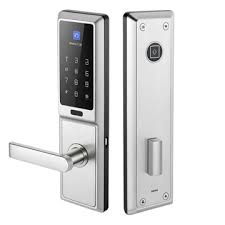
Digital door lock with keypad and fingerprint scanner. Features a metallic handle and sleek, modern design. Display shows numeric panel and fingerprint recognition area.
A blue outline drawing of a heart and a thumbs-up icon overlapping, symbolizing approval or liking.

Before We Begin

Upon arrival, we'll discuss the scope of work and your preferences to ensure the services match your needs and expectations, offering recommendations if needed.

Icon of a hand pressing a button on a touchscreen device, surrounded by signal waves, depicted in blue outline.

Smart Door Lock Installation

We will check that your existing lock is compatible with the new smart lock and install all hardware according to the manufacturer's specifications.

Download icon with a downward-pointing arrow above a horizontal line, in dark blue color.

Network Connection

We'll verify your signal strength and connect the smart lock to your network. Additionally, we'll assist in downloading any necessary apps to your mobile device, allowing you to control the lock remotely.

Home Smart Thermostat Installation

Before We Begin

Upon arrival, we'll review the scope of work to ensure the services align with your needs and expectations, offering recommendations as necessary.

Removing Your
Old Thermostat

We'll carefully remove your old thermostat, labeling the wires for easy installation or repair.

Installing Your
Smart Thermostat

We will install your new smart thermostat, connect it to your home network, and add a decorative trim plate or standard thermostat base. Any drilled holes will be hidden beneath the provided wall plate.

Getting Connected

We’ll assist you in downloading the correct app for iOS, Android, or Windows, and register your smart thermostat (if needed) to enable remote access via your smartphone or tablet.

Final Steps

We’ll test the thermostat to ensure it's functioning properly, checking both the heating and cooling systems. We'll also verify that the remote access works smoothly and confirm good signal strength.

Technology Assessment Evaluation for Your Small Businesses

Analyzing and evaluating technology solutions to optimize efficiency and growth for your small business.

1. Network Condition

2. Devices (Inventory)

3. Devices (Security)

4. Critical Data Risk

5. Security, Monitoring & Support

6. Passwords Policy

7. Remote Access

8. Support Contact Available

Computer and Laptop Hardware Repair

Diagnosing and fixing computer and laptop hardware issues to restore performance and functionality.

Evaluate if the device is worth repairing

Quote parts and labor repair costs.

Most repairs are done within a one-week time frame depending on parts availability.

This repair may not be able to be done at your home we will advise you if this is the case.

Expert Printer Setup

We'll ensure your printer is set up and ready to use so you can start printing without delay.

Unbox and Prepare the Printer

  • Unbox the printer, removing any protective packaging such as plastic wraps, tapes, and cardboard spacers.
  • Install the ink cartridges or toner into the designated compartments.
  • Load paper into the input tray, following the proper orientation as indicated in the printer manual.
  • Plug the printer into a power source and power it on. Most printers have a power button located on the front or side.

Network Integration

We’ll configure your printer and troubleshoot any wireless connection issues, ensuring it is accessible from any device.

Install Printer Drivers and Software (Windows Only)

We’ll install the necessary printer drivers and software for full functionality on your Windows system.

A group of diverse hands raised in the air, showing various skin tones and wrist accessories.

Need a service not listed?

It doesn't hurt to ask; maybe it's possible for us to provide you with that request.